Crypto checkout for businesses that need a hosted payment flow
If you want to accept crypto payments without building every payment screen yourself, hosted crypto checkout is the faster route. Radom gives you a hosted payment flow for one-time payments and subscriptions, with wallet support and reliable status updates.
This is a practical fit for payments teams, founders, finance operations, platform operators, and developers who want a clear checkout experience for customers and a simpler operating model behind it.
View the product page for crypto checkout
What to prepare before you set up checkout
Before you build, define the basic payment flow your team needs:
- What you are selling, and whether it is a one-time payment or a subscription.
- Which customer journey you want, hosted checkout or a deeper API-led integration.
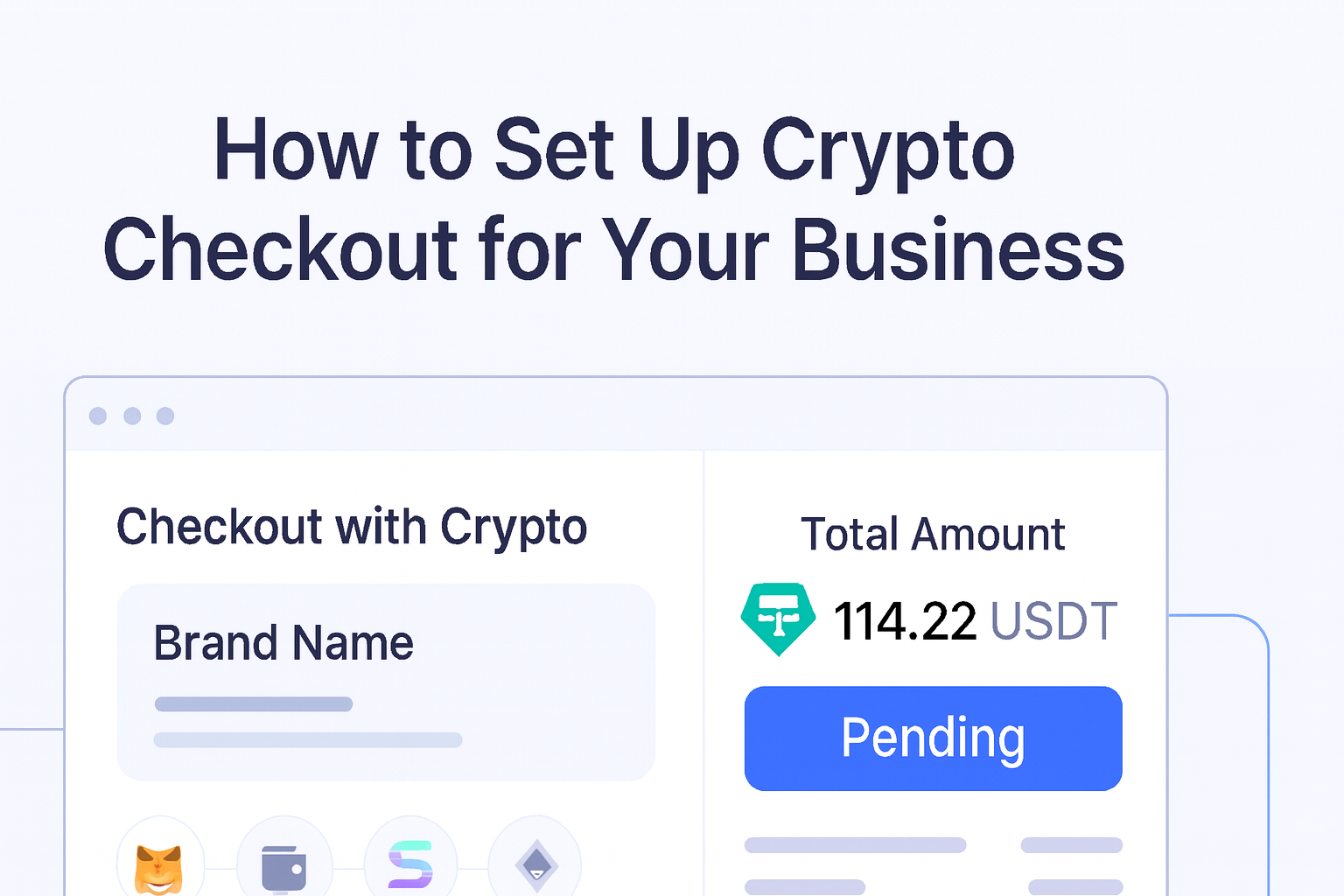
- What branding you want reflected on the payment page, such as colors, fonts, logo placement, and product images.
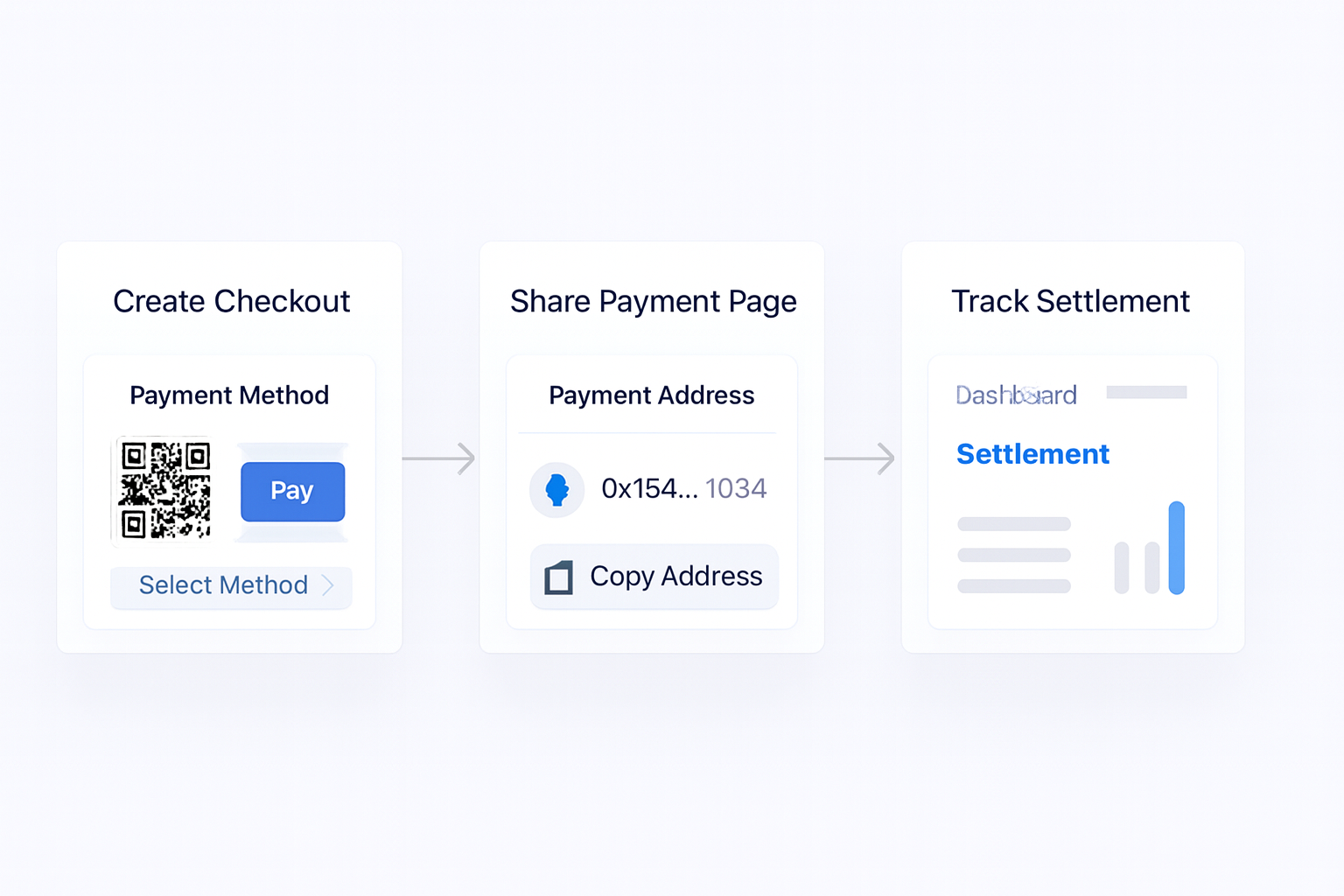
- How your team wants to track payment status, settlement, and next steps after payment.
- Whether you need a no-code starting point or a workflow your developers can automate with APIs.
Radom supports hosted checkout for one-time payments and subscriptions, and the product page also notes branding controls and API support for automation. If you need a broader payment setup across products, you can also review crypto payments.
How to set up crypto checkout with Radom
- Choose the payment model. Decide whether checkout is for a one-time payment, a subscription, or both.
- Set up the branded flow. Match the hosted checkout to your brand using the available customization options.
- Connect the payment logic. Use the hosted flow on its own or automate the process with APIs if your team needs a programmable setup.
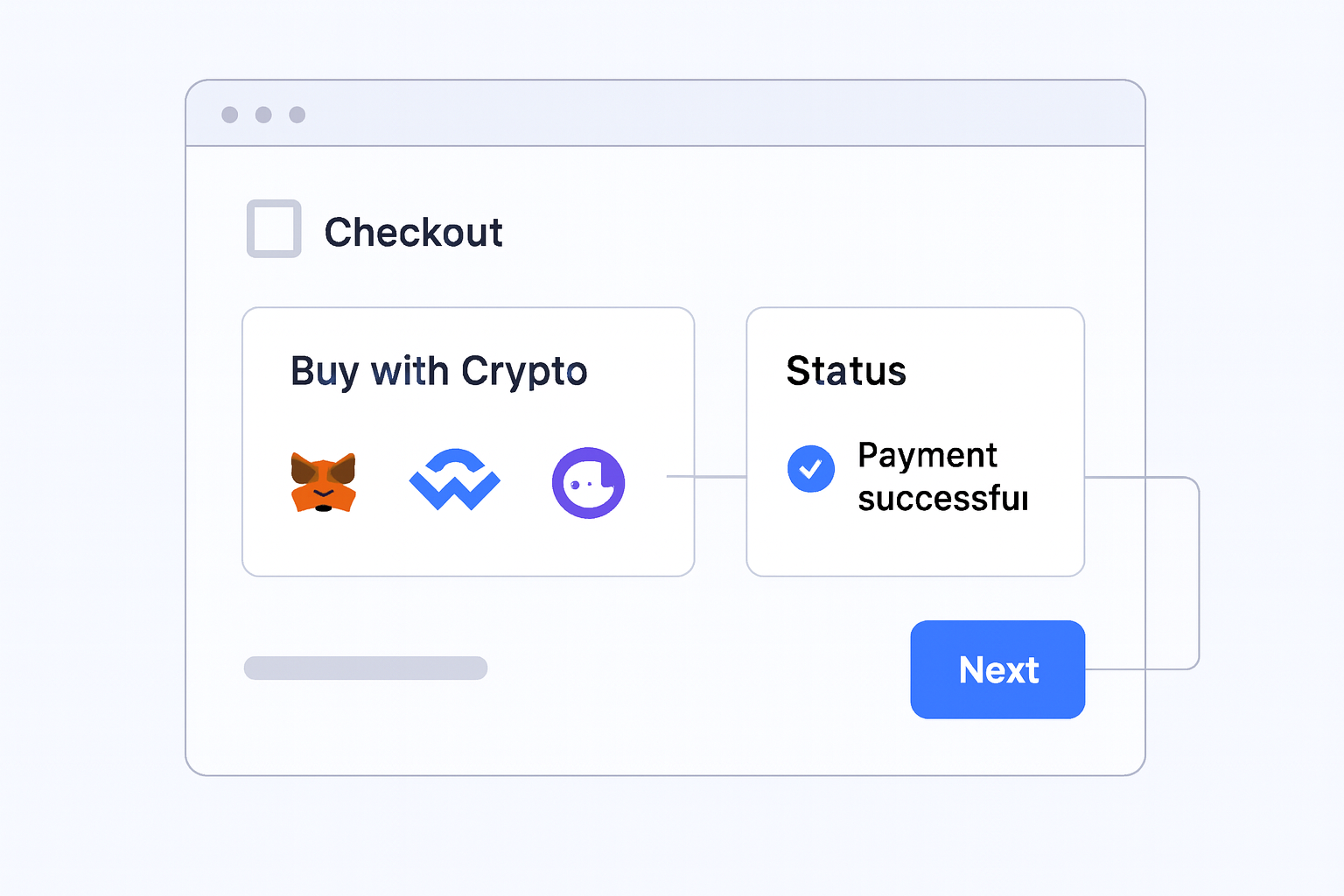
- Test the customer experience. Check that buyers can complete the payment flow and that your team can see clear status updates.
- Launch and monitor. Use the dashboard and settlement workflow to track incoming payments and operational follow-up.
For teams that want to move quickly, the hosted flow removes the need to design and maintain a full checkout interface. For teams with engineering resources, Radom’s API support helps automate the payment flow without rebuilding the whole experience from scratch.
Where Radom removes work
Hosted crypto checkout is useful because it reduces the number of moving parts your team has to manage.
- You do not need to build the full payment page yourself.
- You can offer a clear checkout flow for customers without stitching together separate tools.
- You can keep a branded experience without starting from a blank interface.
- You can use payment status updates to support finance and operations workflows after payment.
That is why the product fits both low-code teams and developer-led teams. The same checkout layer can support a simple launch path or a more automated workflow.
When hosted checkout is the right fit
Hosted checkout is a good option if you want a fast way to collect crypto payments for:
- SaaS and subscription billing
- Digital products and services
- Marketplace or platform payments
- Affiliate, creator, or iGaming-related customer flows where crypto checkout is part of the payment journey
If your team also needs invoices, payment links, or recurring billing, it may make sense to compare the broader product set before you decide. Radom also supports crypto payment links and pricing information for teams weighing the setup against other payment needs.
Common setup questions
Teams usually ask whether checkout will work with their current website or app, how much branding control they have, and whether they can automate the payment flow. The approved product page confirms hosted checkout, wallet support, reliable status updates, branding controls, and API support. If your implementation needs are more specific, review the docs or speak with sales before you ship.
Next step
If you want to launch crypto checkout without building the whole payment interface yourself, start with the product page, review the docs, and decide whether self-serve setup or a sales conversation is the better path for your team.