
How to set up crypto payments for your business
If you want to accept crypto payments, the setup should be simple enough for operations teams to run and flexible enough for developers to extend. Radom is built for businesses that need hosted checkout, payment links, invoices, subscriptions, payouts, and payment APIs in one platform.
This guide covers the practical setup path for teams evaluating crypto payment processing, with notes on where Radom removes manual work and when to route a buyer to crypto checkout, crypto payments, pricing, or contact sales.
1. Decide how you want to collect payment
Start with the payment flow that matches your business model.
- Hosted checkout for a branded payment page without building the full flow yourself.
- Payment links for quick one-off collection.
- Invoices for services, agencies, and finance-led workflows.
- Subscriptions for recurring revenue models.
- APIs for teams that want programmable payment infrastructure.
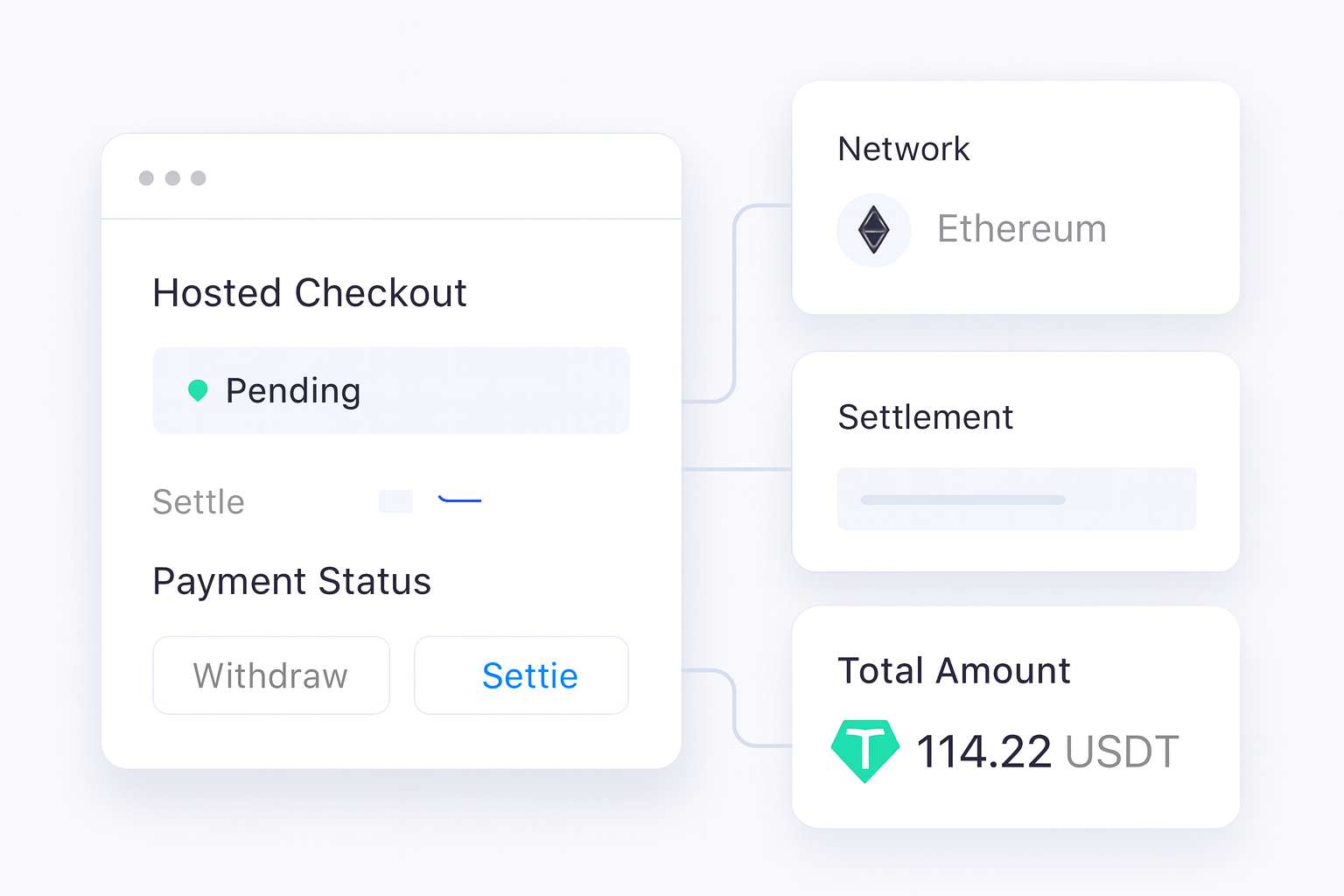
If you need a ready-made payment page, Radom's hosted crypto checkout is the most direct path.
2. Map the payment flow to your settlement needs
Before you launch, decide what should happen after payment is received. Radom supports businesses that want to receive funds to a Radom balance, convert assets, or withdraw to a wallet. The right setup depends on whether you want to hold crypto, settle in fiat, or move between assets as part of treasury operations.
For teams that need conversion or settlement controls, pair payments with crypto convert or crypto on and off ramp.
3. Set up the customer experience
Your payment page should make it obvious what the buyer is paying for and what happens next. Radom's checkout supports one-time payments and subscriptions, with wallet support and status updates built into the flow.
Use the branding controls that are already available in checkout to match the page to your product experience. Keep the payment step short, clear, and consistent with the rest of your checkout or billing journey.
4. Connect the payment method to your operations
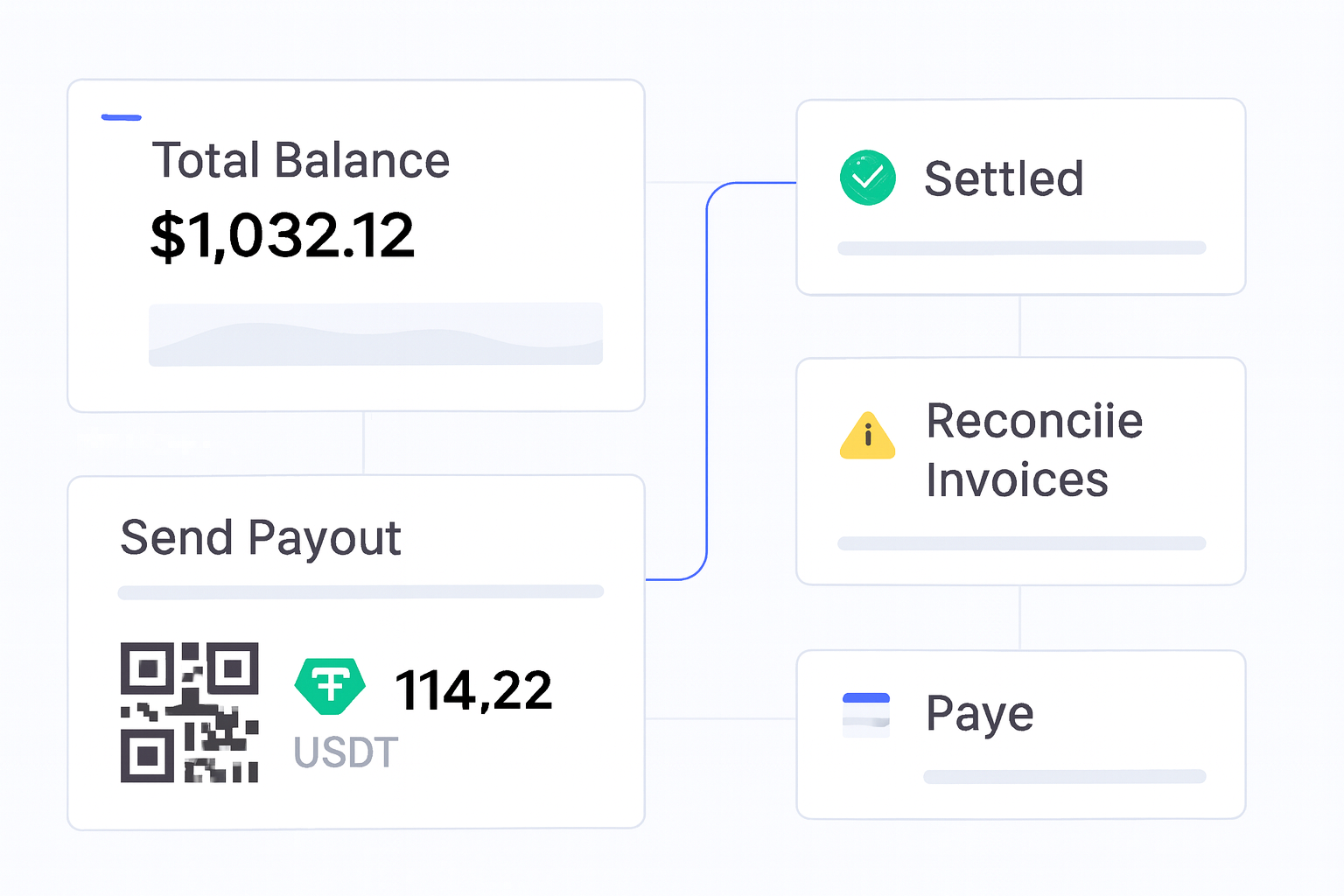
Once the customer experience is defined, connect the operational side. That includes how your team tracks balances, handles reconciliation, and records settlement. Radom is designed to help businesses keep payment acceptance, balance management, settlement, and reporting in one place.
For teams that need to automate this work, use the Radom documentation to review API-led integration and webhook-based workflows.
5. Launch with the simplest setup that meets your needs
Many teams do not need to build every payment flow from scratch. A practical launch path is:
- Create the payment flow you need, such as checkout, links, invoices, or subscriptions.
- Set the settlement destination and operational rules.
- Test the buyer journey end to end.
- Confirm how finance will reconcile payments and balances.
- Go live and monitor payment status, settlement, and reporting.
Radom reduces work here by giving you a single platform for payments, billing, conversion, and settlement instead of separate tools for each step.
Where Radom removes work
Teams usually spend the most time on payment status handling, settlement logic, reconciliation, and maintaining multiple payment tools. Radom helps reduce that overhead by combining hosted checkout, payment links, invoices, subscriptions, payouts, and payment APIs in one account.
If your use case is broader than simple payment acceptance, such as global payouts, crypto-funded fiat payouts, or direct crypto payouts, move into payout workflows or speak with sales about the right setup.
When to use Radom for crypto payment processing
Radom is a strong fit for SaaS teams, e-commerce brands, marketplaces, gaming platforms, affiliate networks, and other internet businesses that want a practical crypto payment stack. It is also a useful option for teams that need payment acceptance plus settlement controls, conversion, or payout operations.
If you are comparing tools, review pricing alongside the product pages so you can match the platform to your volume, workflow, and integration needs.
Frequently asked questions
What is the easiest way to accept crypto payments?+
The simplest path is usually hosted checkout or payment links. Those options reduce engineering work compared with building a full custom flow.
Can I accept crypto payments and settle in fiat?+
Radom supports businesses that need to manage settlement in crypto or fiat. If fiat settlement or conversion is part of your workflow, review crypto on and off ramp and crypto convert.
Do I need developers to launch?+
Not always. Radom offers no-code tools as well as APIs, so teams can choose the setup that fits their resources.
What should finance teams check before launch?+
Finance teams should confirm settlement, reporting, reconciliation, and how balances will be tracked after payment is received.
Where should I start if I want a hosted payment page?+
Start with crypto checkout. If you need broader payment operations, compare it with crypto payments and pricing.
Contact sales if you want help mapping your use case to the right Radom setup, or review the documentation if you are ready to integrate.