How to set up crypto billing
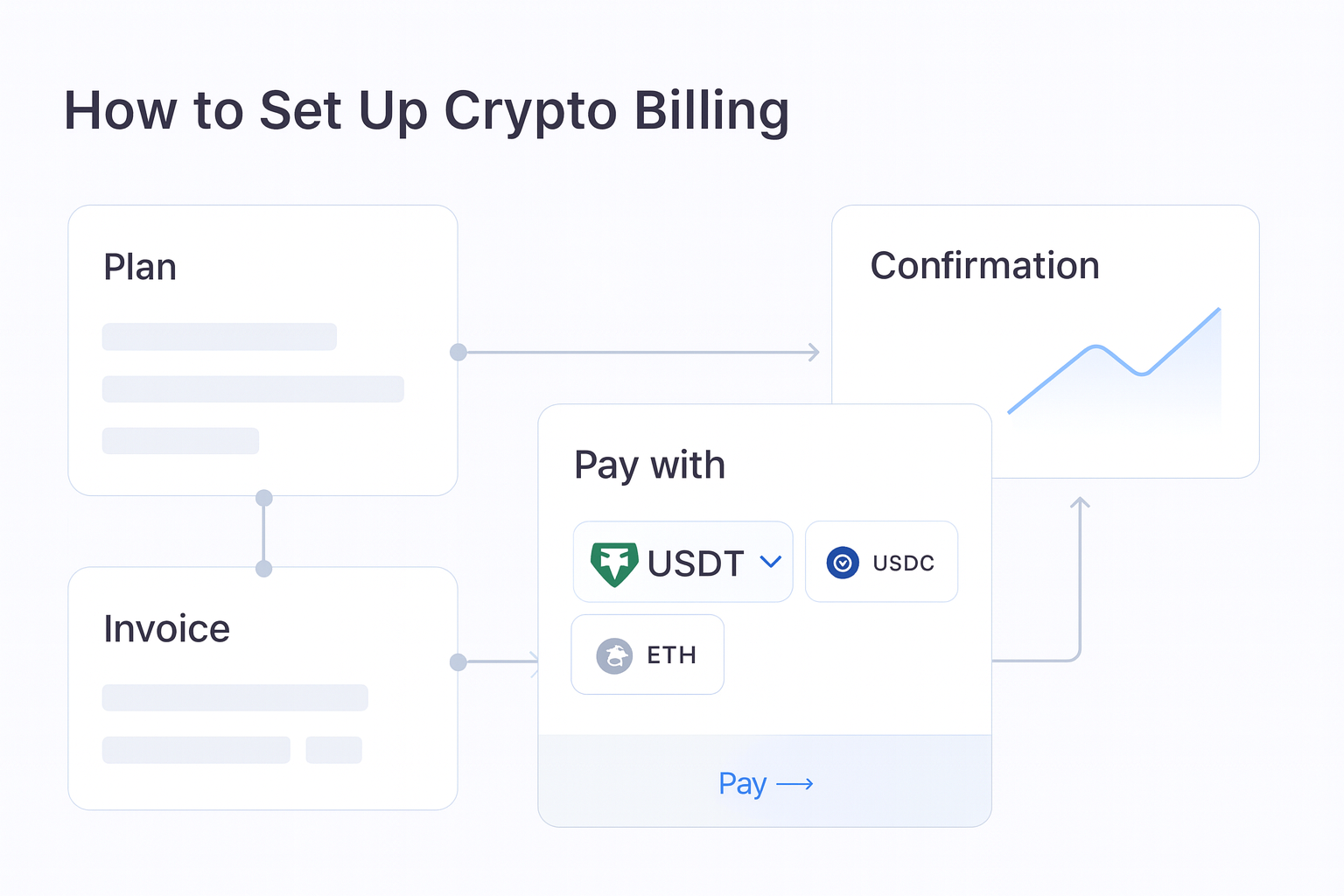
Crypto billing works best when you treat it like any other recurring revenue system. Define the plan, decide how customers will pay, set the billing rules, and make sure finance can track payment status and settlement. Radom gives businesses hosted tools and APIs for crypto billing, subscriptions, invoicing, and payment tracking from one platform.
If you are evaluating a launch path, start with the simplest flow that matches your business model. For some teams that means a hosted billing experience. For others it means integrating through the API and wiring billing events into an existing product stack. If you need to compare product fit first, review the crypto billing product page and pricing.
1. Define what you are billing for
Start with the commercial model, not the payment tool. Decide whether you are selling fixed subscriptions, usage-based plans, seats, trials, discounts, add-ons, or a mix of these. Radom supports billing models buyers expect, including metered usage, seats, tiers, free trials, discounts, add-ons, and custom renewal cycles.
For finance and operations teams, this step also defines what has to be tracked in reporting. A simple subscription needs less operational overhead than a metered plan with usage events and renewal logic.
2. Choose hosted tools or API integration
Decide whether your team wants to launch with hosted billing tools or build a more tailored integration. Hosted tools are usually faster for non-technical teams. APIs are better when billing needs to connect tightly with product events, internal systems, or custom customer flows.
Radom supports both dashboard workflows and APIs for billing, invoicing, payment tracking, and reconciliation. If your team is developer-led, the Radom documentation is the right next step.
3. Set up your customer payment flow
Once the billing model is clear, define how customers will pay. Radom offers customer-friendly wallet flows designed for recurring payments and billing management. That matters because recurring revenue fails when the payment path is unclear or too manual.
Keep the flow simple. Customers should understand what they are paying for, when the next charge happens, and what happens if a payment fails. That reduces support work and improves collection quality.
4. Configure recurring rules and billing states
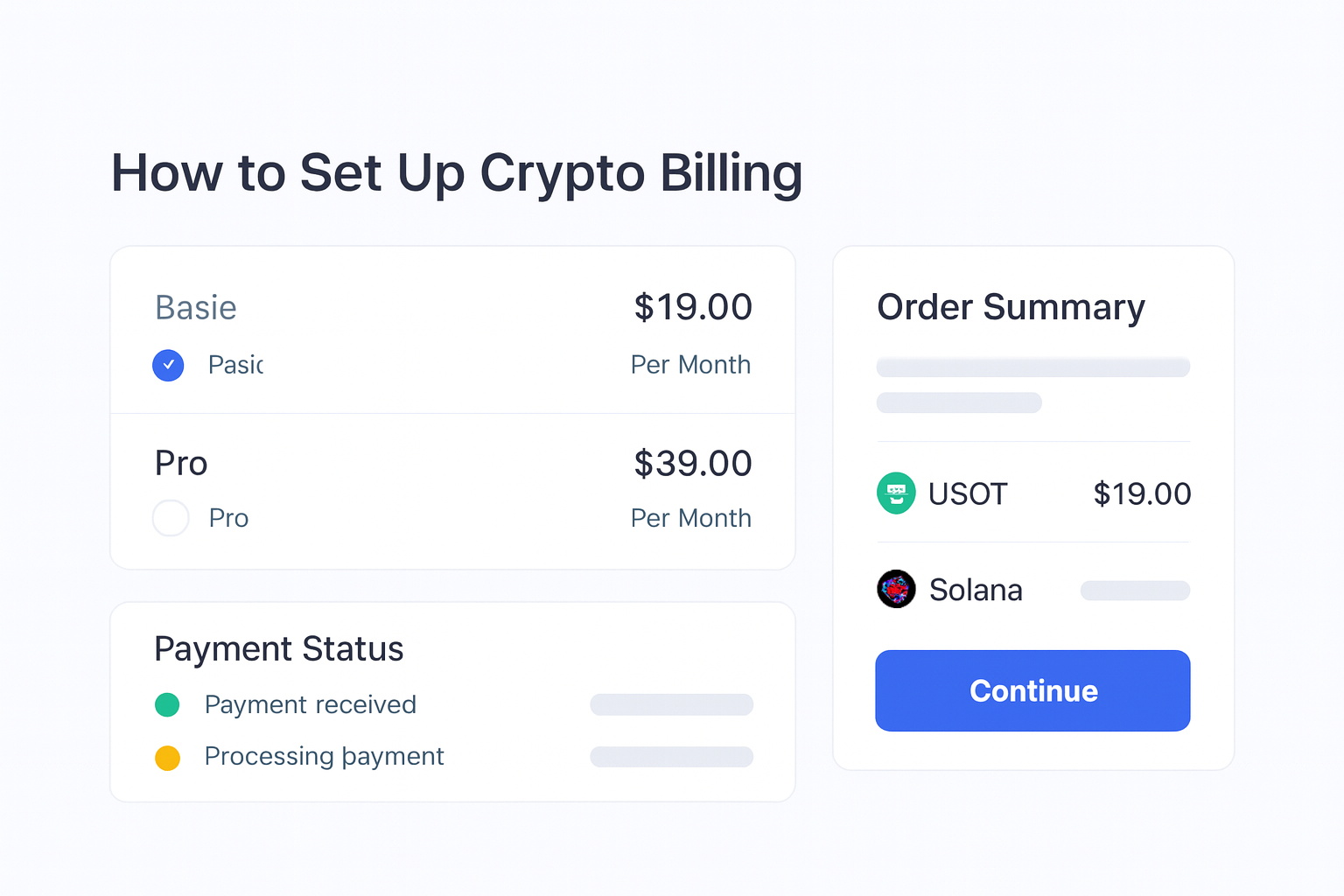
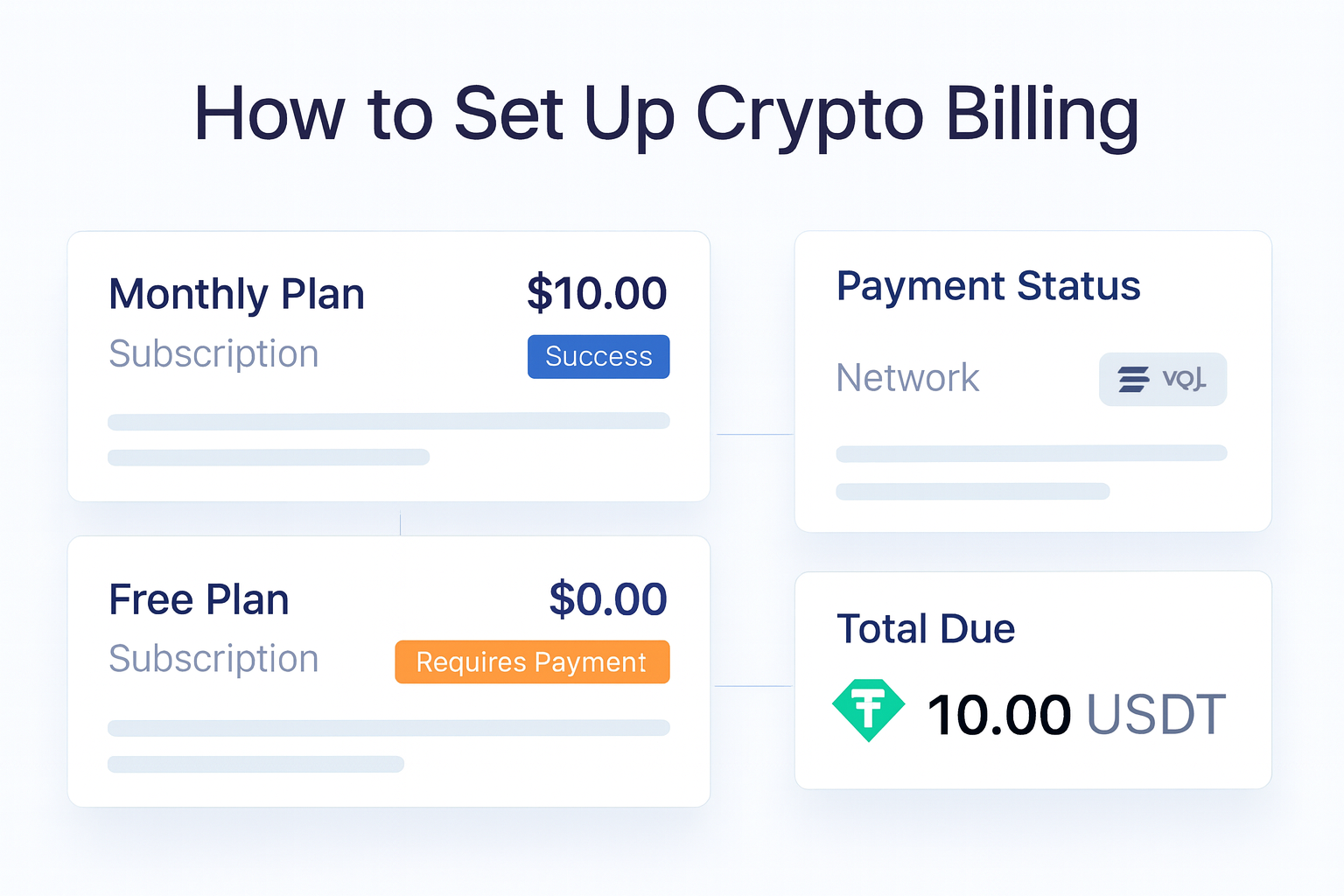
Build the rules that control renewal timing, retries, and payment status. Your finance and growth teams need the same view of what is active, what failed, and what needs follow-up. Radom helps businesses track recurring revenue, failed payments, customer activity, and settlement from one dashboard.
This is where many teams save time. Instead of stitching together separate tools for billing, invoices, and reconciliation, Radom keeps the operational view in one place.
5. Add invoicing where needed
Not every customer should be pushed through the same billing flow. Some teams need invoices for procurement, finance approvals, or one-off service work. Radom supports crypto invoicing, including one-time payments, installment payments, line items, discounts, and automated reminders.
If invoicing is part of your revenue process, route customers to the crypto invoicing workflow when the deal needs a more formal payment request.
6. Set access, reporting, and reconciliation rules
Billing is not only a checkout problem. Finance, operations, and product teams need the right access and a clean reporting structure. Radom includes roles and permissions for billing management, which helps teams separate setup, review, and operational tasks.
Make sure your internal process covers payment confirmation, settlement review, and reconciliation. If your team also needs broader payment acceptance, the crypto payments product page is the natural place to compare the rest of the stack.
7. Test before you launch
Before you go live, test the full lifecycle: plan creation, customer payment, renewal, failed payment handling, invoice generation, and reporting. Check that the customer sees a clear payment experience and that your team can trace each event from the dashboard or API.
For teams launching quickly, the practical goal is simple: get to a working billing flow that finance trusts and customers can complete without support.
Where Radom removes work
Radom is useful when you want one platform for subscriptions, invoicing, payment tracking, and settlement rather than separate tools for each step. That reduces setup time for founders and developers and reduces manual reconciliation for finance teams.
- Hosted billing tools for faster launch
- APIs for custom billing workflows
- Recurring payment tracking in one dashboard
- Invoices, reminders, and customer payment states in the same system
- Roles and permissions for team access
When to use Radom billing versus sales support
If you are launching a straightforward recurring model, start with the product page, documentation, and pricing. If you are dealing with higher volume, more complex billing rules, or a platform model with multiple customer types, contact sales to confirm the right setup.
For teams comparing fit across recurring payments and invoicing, the most useful next steps are crypto billing, crypto invoicing, and contact sales.
Frequently asked questions
What is crypto billing?+
Crypto billing is the process of charging customers on a recurring basis using crypto payment rails. It can include subscriptions, usage-based billing, invoices, retries, and payment tracking.
Can Radom handle subscriptions and invoices?+
Yes. Radom supports crypto billing, subscriptions, and invoicing from one platform, with dashboard and API workflows.
Do I need developers to set up crypto billing?+
Not always. Teams can use hosted tools, while developers can build with the API when they need a custom experience.
What billing models does Radom support?+
Radom supports metered usage, seats, tiers, free trials, discounts, add-ons, and custom renewal cycles.
Where should I start if I am evaluating pricing?+
Start with pricing and the documentation. Contact sales if your billing setup is high volume or unusually complex.
Next step
If you are ready to launch crypto billing, sign up to start testing the flow, or contact sales if you need help planning the setup for your subscription model.
Contact sales for a guided setup discussion, or review pricing before you build.