
How to set up crypto subscriptions
If you want to sell recurring services in crypto, the setup should be simple enough for growth teams to run and structured enough for finance to reconcile. Radom is built for businesses that need recurring billing, clear payment states, and customer-friendly wallet flows from one platform.
This guide walks through the practical steps to launch crypto subscriptions, choose a billing model, and reduce manual work with hosted tools or APIs. If your team is comparing options, Radom also supports crypto billing, crypto invoicing, and pricing information for teams evaluating the platform.
1. Decide what you are selling
Start with the subscription structure, not the payment flow. Crypto subscriptions work best when the product has a clear recurring pattern.
- Fixed monthly or annual plans
- Usage-based billing
- Seat-based pricing
- Tiered plans
- Free trials followed by paid renewal
- Add-ons or custom renewal cycles
If your commercial model is still changing, keep the first version simple. A clean plan structure is easier to operationalise and easier for customers to understand.
2. Choose the billing model you need
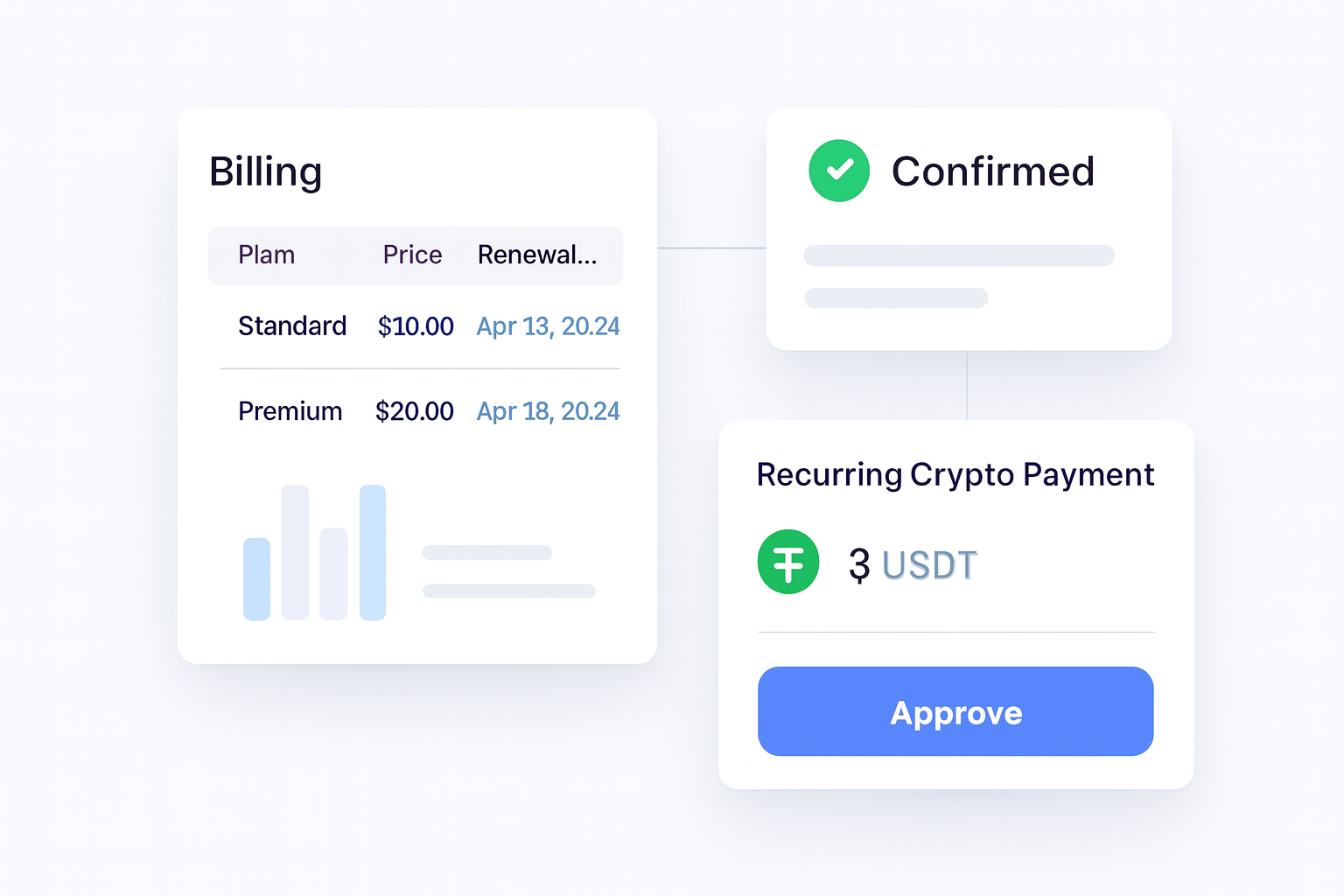
Radom supports billing models buyers expect, including metered usage, seats, tiers, free trials, discounts, add-ons, and custom renewal cycles. That matters because subscription teams often outgrow one-size-fits-all payment links.
Use a hosted workflow if you want a faster launch. Use APIs if your product team wants more control over the customer experience and billing logic. For developers, the next step is usually the Radom documentation.
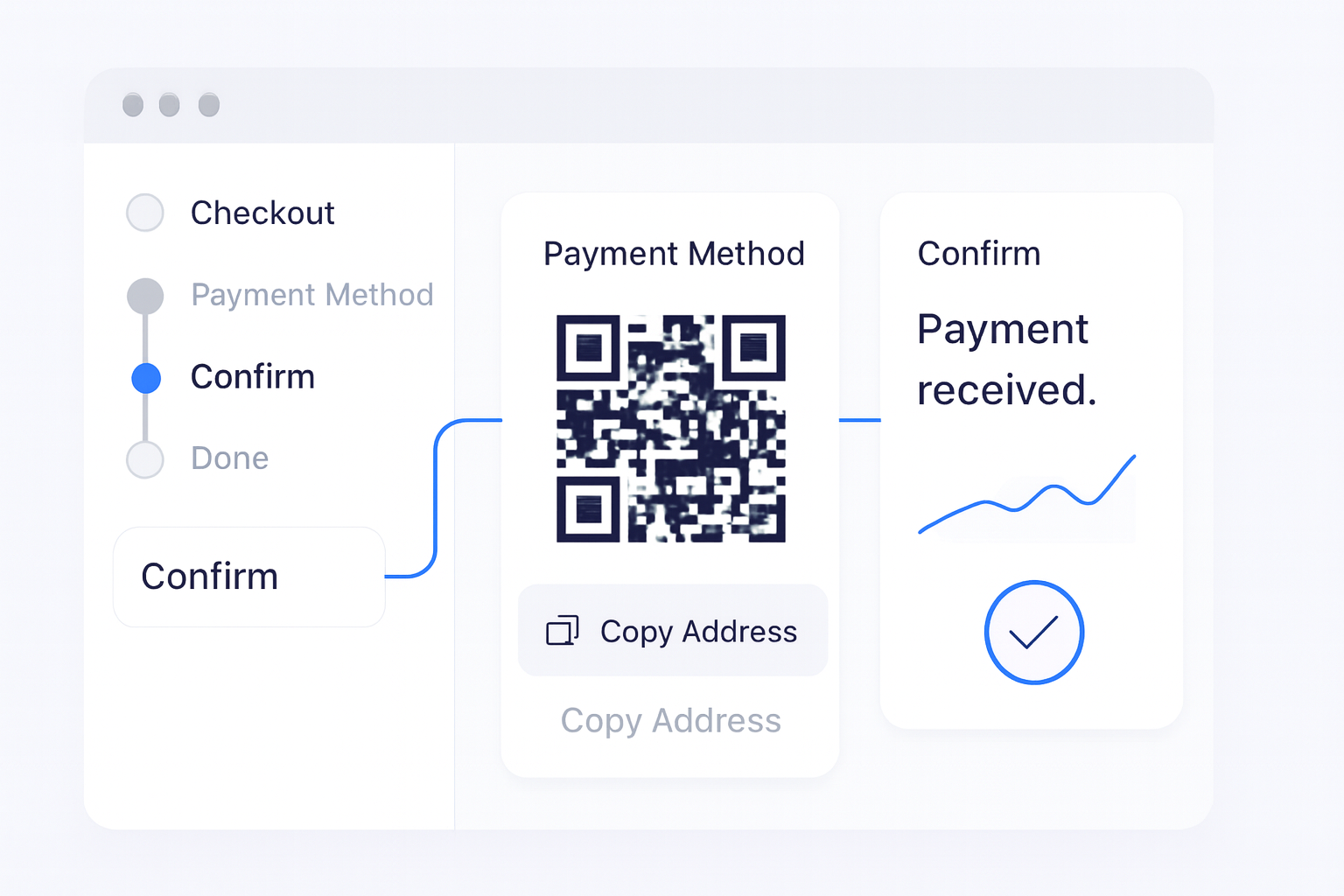
3. Set up customer payment flows
Once the billing model is defined, configure how customers will pay. Radom offers a familiar payments experience for businesses exploring crypto payments, with customer wallet flows designed for recurring billing.
At this stage, make sure customers can understand:
- What they are paying for
- When the next payment is due
- What happens if a payment fails
- How they can update their payment flow
Clear payment states reduce support tickets and help finance teams track what is active, due, paid, or failed.
4. Configure roles, permissions, and internal ownership
Recurring billing touches finance, operations, support, and product. Radom includes roles and permissions for billing management so the right people can manage subscriptions without giving everyone the same level of access.
A practical setup usually assigns ownership like this:
- Finance monitors revenue, failed payments, and settlement
- Operations handles customer issues and billing exceptions
- Product or engineering manages billing logic and API changes
- Sales handles plan changes or custom commercial terms
5. Decide how you will track revenue and settlement
Subscription billing is not just about collecting payments. You also need to track recurring revenue, failed payments, customer activity, and settlement from one place. Radom is designed to help teams manage those workflows from a single dashboard.
For teams with more complex reporting needs, make sure the billing setup aligns with your reconciliation process before launch. That is especially important if you are billing across multiple customer types, currencies, or internal teams.
6. Test the full renewal cycle before launch
Before you go live, test the full lifecycle:
- Create a subscription
- Confirm the initial payment flow
- Check the renewal timing
- Review the failed payment state
- Verify how the customer is notified
- Confirm how finance sees the transaction in the dashboard
This is the point where many teams discover hidden manual work. A subscription may look fine at signup, but still create issues at renewal, failed payment handling, or settlement review.
Where Radom removes work
Radom is useful when your team wants to avoid stitching together separate tools for recurring billing, invoicing, and payment tracking. Instead of building every workflow from scratch, you can use hosted tools, APIs, and dashboard controls in one platform.
- Set up recurring billing without building the full payment stack yourself
- Track payment states and settlement from one dashboard
- Give finance and operations the access they need with roles and permissions
- Use APIs when you need billing automation and customer event handling
If your team also needs one-time billing, consider pairing subscriptions with crypto invoicing for service work, implementation fees, or custom charges.
When to use hosted tools versus APIs
Choose hosted tools if you want to move quickly and keep the setup straightforward. Choose APIs if you need more control over customer events, billing logic, or product-led workflows. Radom supports both approaches, which makes it practical for founders, finance teams, and developers working on the same revenue model.
If you are still evaluating whether crypto subscriptions fit your business, start with the product overview on crypto billing and review the platform pricing on pricing. If you need implementation support, route the conversation to sales.
Frequently asked questions
Can I run recurring crypto subscriptions from one platform?+
Yes. Radom is built to help businesses sell subscriptions and recurring services in crypto from one platform, with billing, payment states, and settlement workflows in the same place.
What billing models can I use?+
Radom supports metered usage, seats, tiers, free trials, discounts, add-ons, and custom renewal cycles.
Can finance teams track failed payments and settlement?+
Yes. Radom is designed to help teams track recurring revenue, failed payments, customer activity, and settlement from one dashboard.
Should I use the dashboard or the API?+
Use the dashboard for a faster launch and the API when your product team needs more control over billing logic and customer events.
Next step
If you are planning a crypto subscription launch, start with the platform overview, check the pricing page, or route a more complex use case to contact sales. If you are ready to build, the docs are the fastest place to begin.