Hosted crypto checkout is for teams that want a payment page without building one themselves
If you want to accept crypto payments and subscriptions but do not want to build the full payment experience in-house, hosted checkout is the shortest path. Radom Checkout gives customers a clear hosted payment flow for one-time payments and subscriptions, with wallet support and reliable status updates.
This guide shows how to set it up, what to decide before launch, and where Radom removes work for payments teams, founders, finance operators, and developers.
For the product overview, see crypto checkout. If you are comparing pricing before you start, review Radom pricing.
Before you start, decide what the checkout needs to do
Most setup issues come from unclear payment requirements, not from the checkout itself. Before you configure anything, define the following:
- Whether you need one-time payments, subscriptions, or both.
- Which products or services the checkout will collect payment for.
- Which assets you want to accept.
- Whether the checkout should match your brand closely or stay simple.
- What should happen after payment, including how your team will track status and settlement.
If your team already accepts crypto across other channels, you can keep checkout aligned with the rest of your payment flow by using the same Radom account for payments and settlement.
How to set up hosted crypto checkout
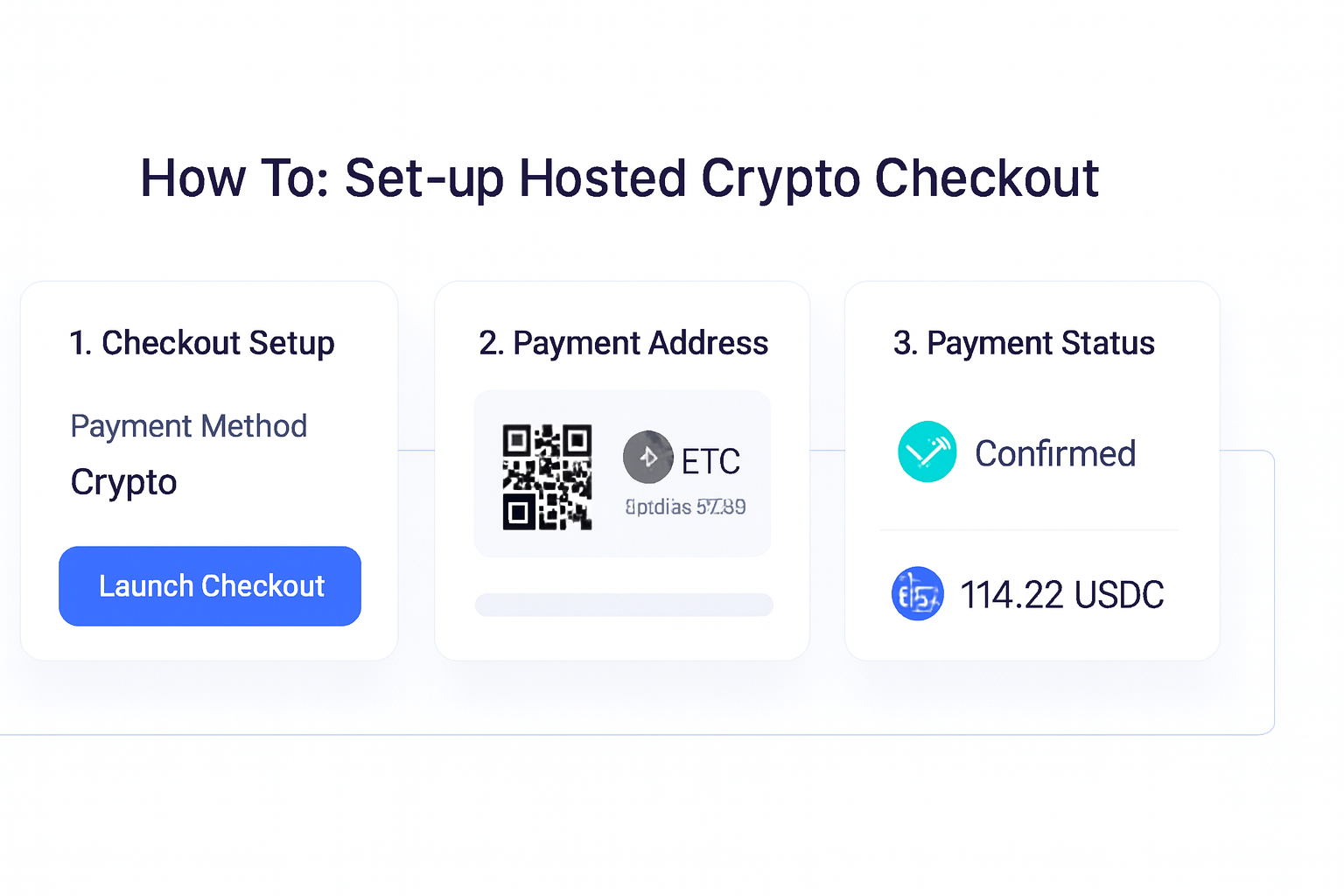
- Create the checkout in Radom. Start from the dashboard and choose the payment flow you need, such as one-time payments or subscriptions.
- Add the payment details. Enter the product, service, or offer the customer is paying for, along with the amount and any relevant pricing settings.
- Choose the assets you want to accept. Radom supports crypto payment methods built into the checkout flow, so customers see a clear path to pay.
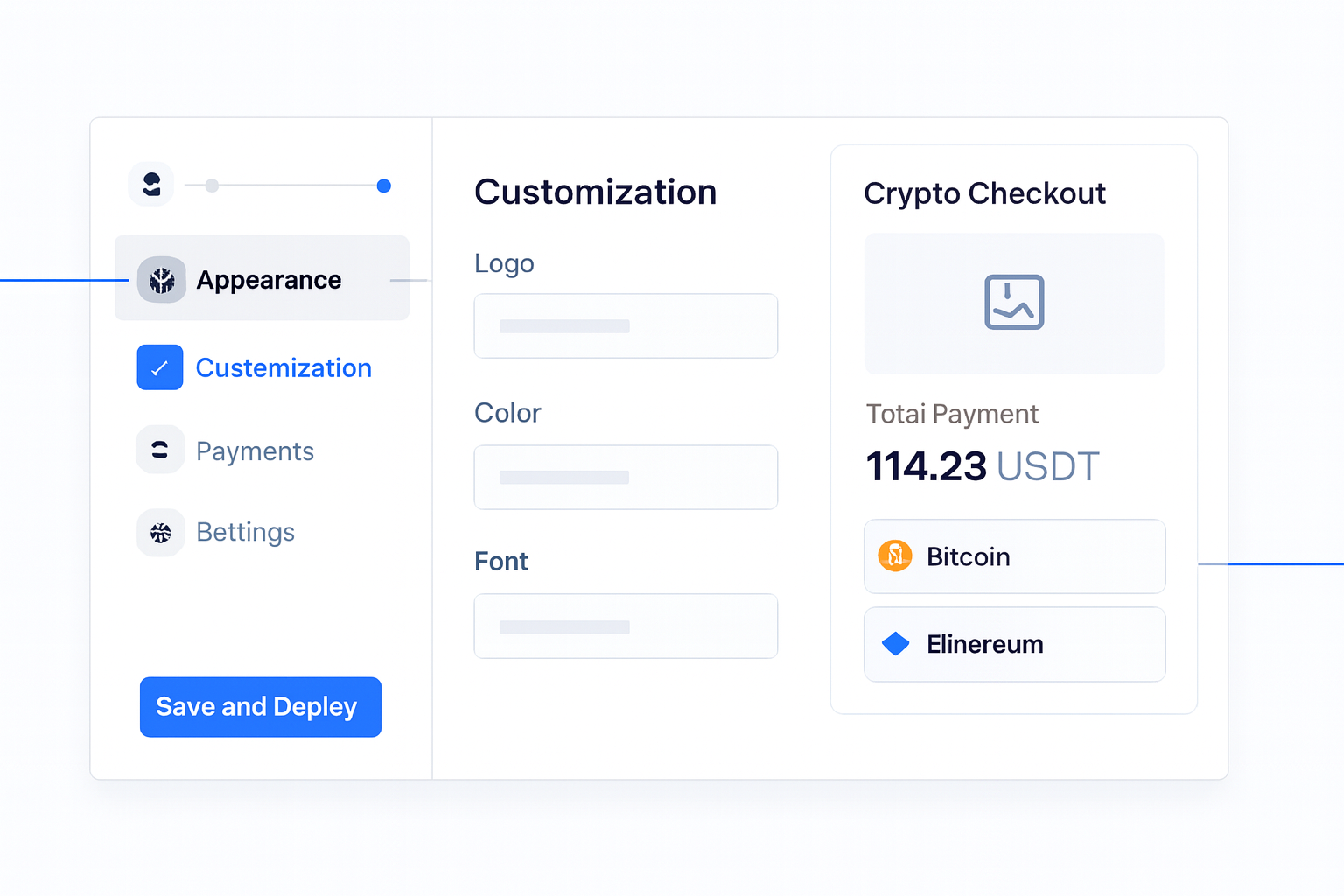
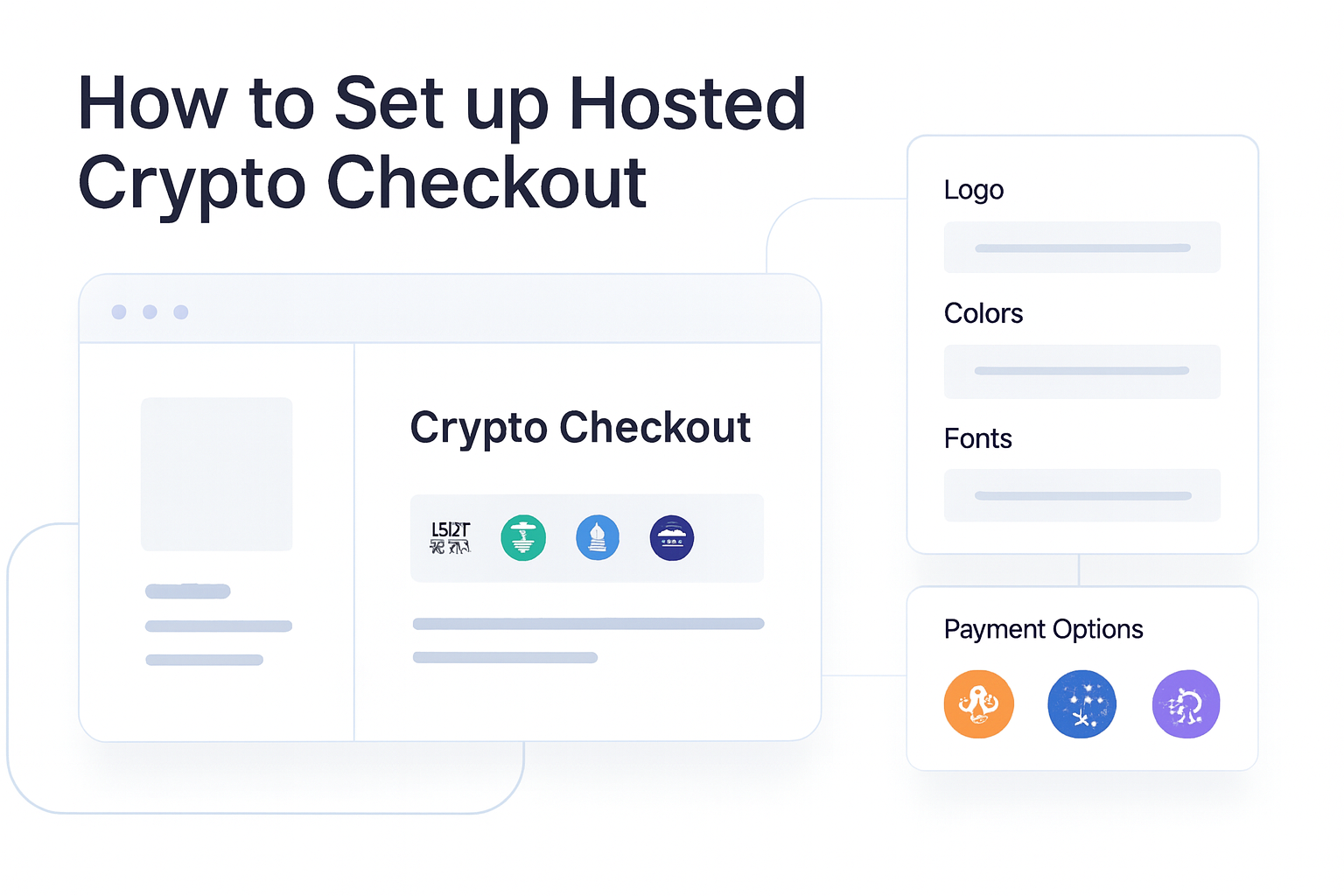
- Brand the page. Match the checkout to your business with custom colors, fonts, logo placement, product images, and payment settings.
- Test the payment experience. Confirm the checkout behaves as expected for the customer and that your team can see reliable status updates.
- Connect the checkout to your workflow. Use the hosted page as the customer-facing payment step, then route the result into your operations, accounting, or product flow.
If your team wants to automate the flow, Radom APIs can support more of the payment lifecycle. Developers can start from Radom docs when they need implementation detail.
Where Radom removes work
Hosted checkout is useful because it reduces the amount of payment UI your team has to build and maintain.
- No custom checkout build. Radom provides the hosted payment page so your team does not need to design and maintain the whole interface.
- Less engineering overhead. You can launch a complete payment experience without building every payment flow from scratch.
- Clear customer experience. Buyers get a familiar checkout flow with wallet support and payment status updates.
- Brand control without rebuilding the page. You can apply visual settings without turning checkout into a custom frontend project.
For teams that want lighter-weight collection flows, crypto payment links can be a simpler option. For broader acceptance across hosted checkout, invoices, subscriptions, and payment links, start with crypto payments.
How to launch without creating avoidable friction
A good hosted checkout launch is mostly about reducing uncertainty for the buyer and for your internal team.
- Keep the first version focused on one clear use case.
- Use the same naming and branding your customers already recognize.
- Make sure the payment amount and product details are easy to understand.
- Confirm who on your team reviews payment status, settlement, and follow-up.
- Document the handoff from payment received to order fulfillment, access, or service delivery.
If your use case depends on recurring revenue, invoices, or a more complete billing workflow, you may want to look at crypto payments alongside checkout so you can choose the right flow for each customer segment.
Common setup questions
Teams often ask whether hosted checkout is only for technical buyers. It is not. Hosted checkout is useful when you want a professional payment page and a faster launch path, regardless of whether the rest of your stack is code-driven or mostly managed from the dashboard.
Another common question is whether the checkout can fit a branded customer journey. Radom’s checkout supports custom colors, fonts, logo placement, product images, and payment settings, so you can keep the payment page aligned with your brand without building the interface yourself.
For developers, the main value is that the hosted page can sit inside a broader payment system instead of becoming a one-off tool. If you need implementation guidance, use the documentation together with the product page.
What to do next
If hosted crypto checkout fits your payment flow, the next step is to create a test setup and review the customer experience end to end. Teams that need a broader payment stack can combine checkout with billing, invoices, payment links, and payouts from the same platform.
Start with crypto checkout, review pricing, or contact sales if you want help mapping the flow to your business.
Frequently asked questions
What is hosted crypto checkout?+
It is a payment page hosted by Radom that lets you accept crypto payments without building the full checkout experience yourself.
Can hosted checkout support subscriptions?+
Yes. Radom Checkout supports one-time payments and subscriptions.
Can I brand the checkout page?+
Yes. You can match the page to your brand with custom colors, fonts, logo placement, product images, and payment settings.
Do I need to build the checkout from scratch?+
No. Hosted checkout is designed to give customers a complete payment experience without the hassle of building your own interface.
Where should developers start?+
Developers should start with the product page and the Radom documentation if they need integration detail.