Why teams choose hosted web3 checkout
If you need to accept crypto payments without building every payment screen yourself, hosted checkout is the practical starting point. It gives buyers a clear payment flow, supports one-time payments and subscriptions, and lets your team move faster without maintaining a custom payment interface.
Radom’s crypto checkout is built for businesses that want a hosted payment page with wallet support, reliable status updates, and branding controls that fit the rest of the product experience.
What a web3 checkout integration usually needs
A useful integration is more than a wallet address on a page. Payment teams usually need a checkout flow that can handle:
- One-time payments and subscriptions
- Hosted payment pages that are easy to launch
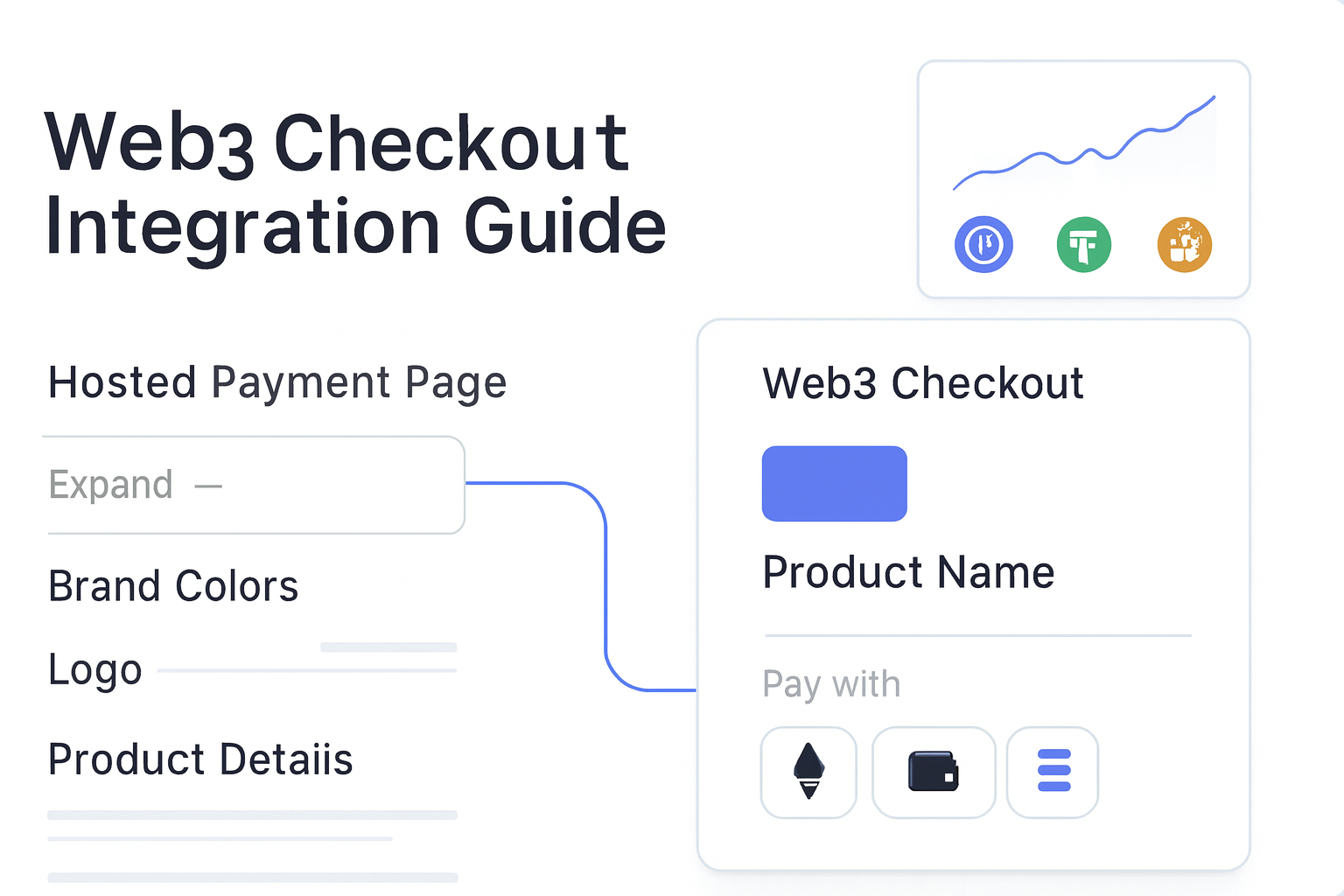
- Branding controls such as colors, fonts, logo placement, and product images
- Status updates that help support and finance teams track payment progress
- An API path for teams that want to automate the flow
Radom supports hosted checkout from one account, with the option to use APIs when your team needs more control. If you are comparing payment methods across your product stack, the broader crypto payments page is the best place to understand how checkout fits alongside invoices, payment links, and other acceptance flows.
How to integrate web3 checkout with Radom
- Create a Radom account and open the checkout setup in the dashboard.
- Configure the payment flow for your use case, including one-time payments or subscriptions.
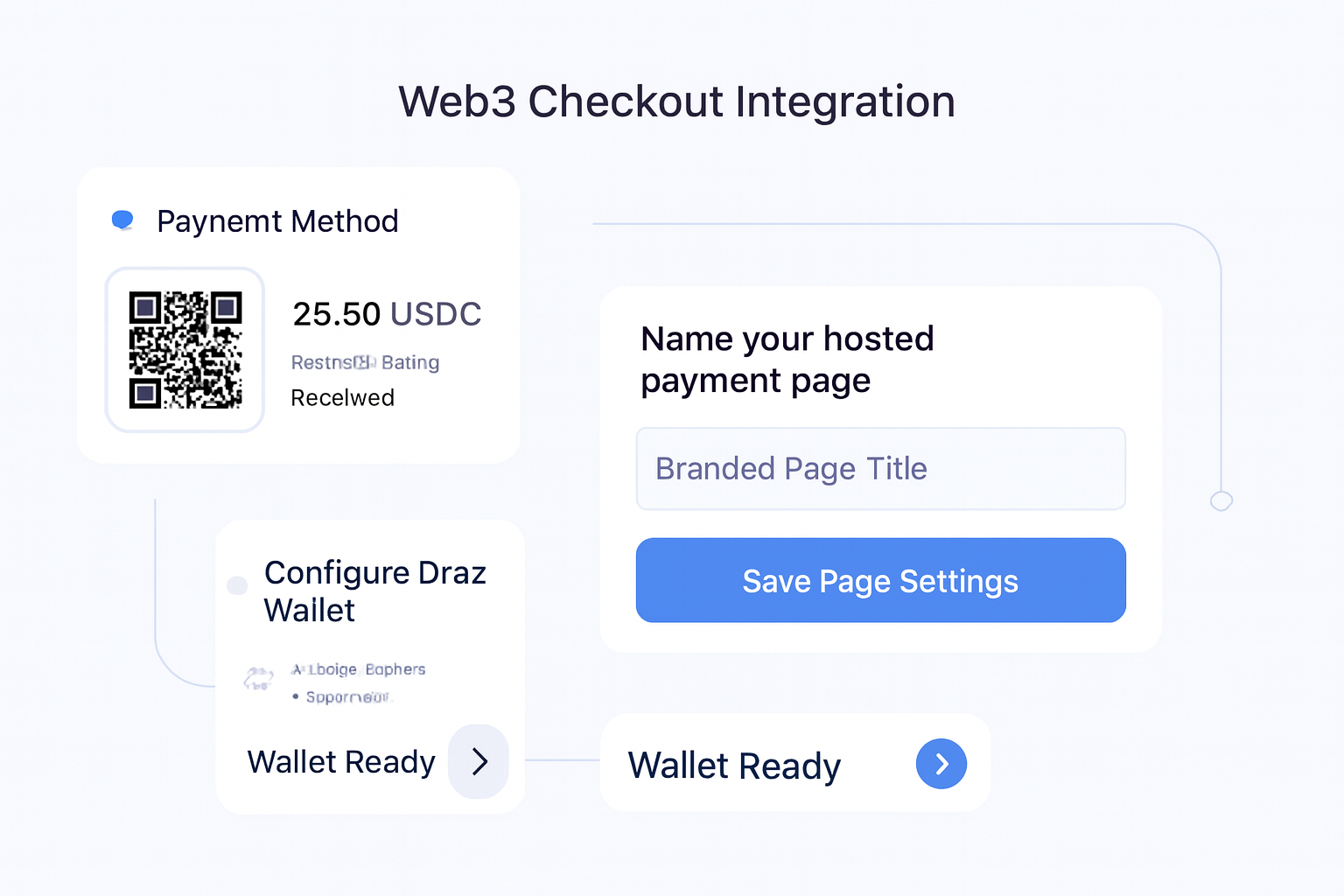
- Set your brand elements, such as colors, fonts, logo placement, and product images.
- Connect the checkout to your site or app using the implementation approach in the docs.
- Test the payment journey end to end, including status updates and settlement handling.
- Launch the checkout and monitor payments from the dashboard.
For teams that want to move quickly, this approach removes the work of designing and maintaining a custom payment page while still giving you a branded checkout experience.
Where Radom removes work
Hosted checkout is useful because it reduces the amount of payment infrastructure your team has to build and maintain. Instead of stitching together wallet handling, payment state tracking, and a branded payment page from scratch, you can start with a checkout flow that is already designed for crypto payments.
That matters for founders, finance operations teams, and developers who need to launch without creating a large maintenance burden. It also helps support teams because buyers get a clearer payment experience and more reliable status visibility.
When hosted checkout is the right fit
Hosted checkout is a strong fit if you are:
- Launching crypto payments for the first time
- Adding a payment option to a SaaS, marketplace, or platform product
- Running subscriptions or recurring billing in crypto
- Supporting global customers who expect a clear payment page
- Trying to reduce engineering time while keeping payment flows branded
If your team is mainly evaluating pricing before implementation, review Radom pricing. If you want to see the implementation details, start with the Radom docs.
What to test before launch
Before you go live, test the parts that affect conversion and operations:
- Does the checkout clearly show what the customer is paying for?
- Do the supported assets match your expected buyer behavior?
- Are payment status updates visible to your team?
- Does the branded checkout match your site or app well enough to reduce drop-off?
- Can finance and support teams follow the payment trail without manual checks?
If you need help deciding whether hosted checkout or another acceptance flow is the better fit, contact sales for a working session on your use case.
Frequently asked questions
What is a web3 checkout integration?+
It is the payment flow that lets a business accept crypto payments through a checkout experience on a website or app. In Radom’s case, the checkout is hosted, branded, and designed for one-time payments and subscriptions.
Do I need to build the checkout from scratch?+
No. Radom provides a hosted checkout so you do not have to build the full payment interface yourself.
Can I use web3 checkout for subscriptions?+
Yes. Radom’s checkout supports one-time payments and subscriptions.
Can I brand the checkout?+
Yes. Radom supports custom colors, fonts, logo placement, product images, and payment settings.
Where should developers start?+
Start with the documentation to see the integration approach, then test the flow in the dashboard.
Is Radom only for crypto-native businesses?+
No. Radom is built for businesses and platform operators that need practical payment infrastructure across crypto payment acceptance and related money movement workflows.
Next step
If you are evaluating web3 checkout integration for a real launch, the fastest path is to review the checkout product, check pricing, and contact sales if you need help with a higher-volume or more complex setup.